
Download Android Commander – Android Device Management, APK Installation, Screen Capture
Overview
Android Commander is a desktop-based utility designed for users who manage rooted Android devices, including smartphones and tablets, from their Windows computers. The application serves as a bridge between desktop environments and Android systems, enabling users to perform a range of device management tasks without direct interaction with the mobile device. Its primary purpose is to streamline operations such as app installation, system information retrieval, and screen capturing through a centralized, user-friendly interface.
Target users include advanced Android users, developers, tech enthusiasts, and IT professionals who require efficient tools for managing rooted devices. The app is particularly useful in scenarios involving batch app deployment, troubleshooting, or documentation, where direct access to the device screen or file system is impractical. By leveraging ADB (Android Debug Bridge) protocols, Android Commander facilitates secure and direct communication between the desktop and the Android device, enhancing workflow efficiency.
Although the developer did not provide additional technical details, the app has been available since 2013, indicating a long-standing presence in the Android management ecosystem. This longevity suggests a stable core functionality and a niche but dedicated user base. Its role in simplifying complex device management tasks underscores its importance for users who value automation, control, and precision in managing rooted Android systems.
Key Features & Functionality
- User-Friendly Interface: The application features a clean, intuitive layout designed to reduce the learning curve for less experienced users. Navigation is straightforward, with clearly labeled sections and logical grouping of functions, enabling users to perform tasks without needing extensive technical knowledge.
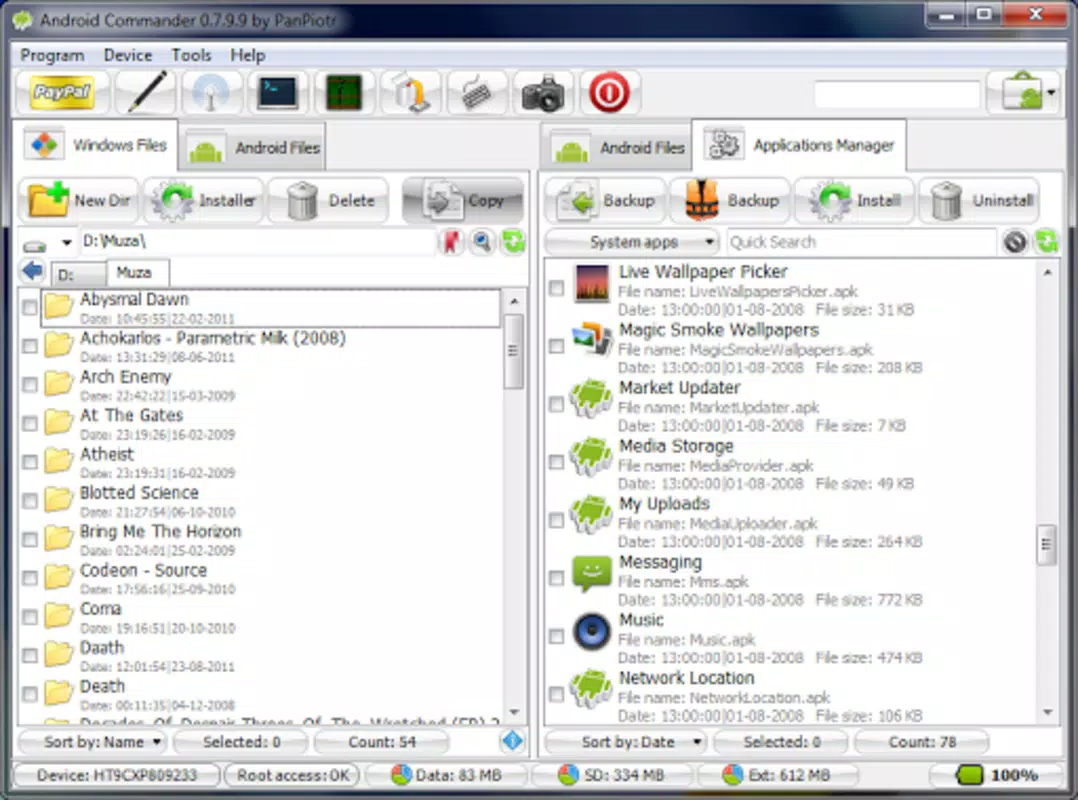
- Application Management: Users can install and uninstall Android applications directly from their desktop by dragging and dropping APK files. This eliminates the need to transfer files via USB or use command-line tools, significantly speeding up the app deployment process.
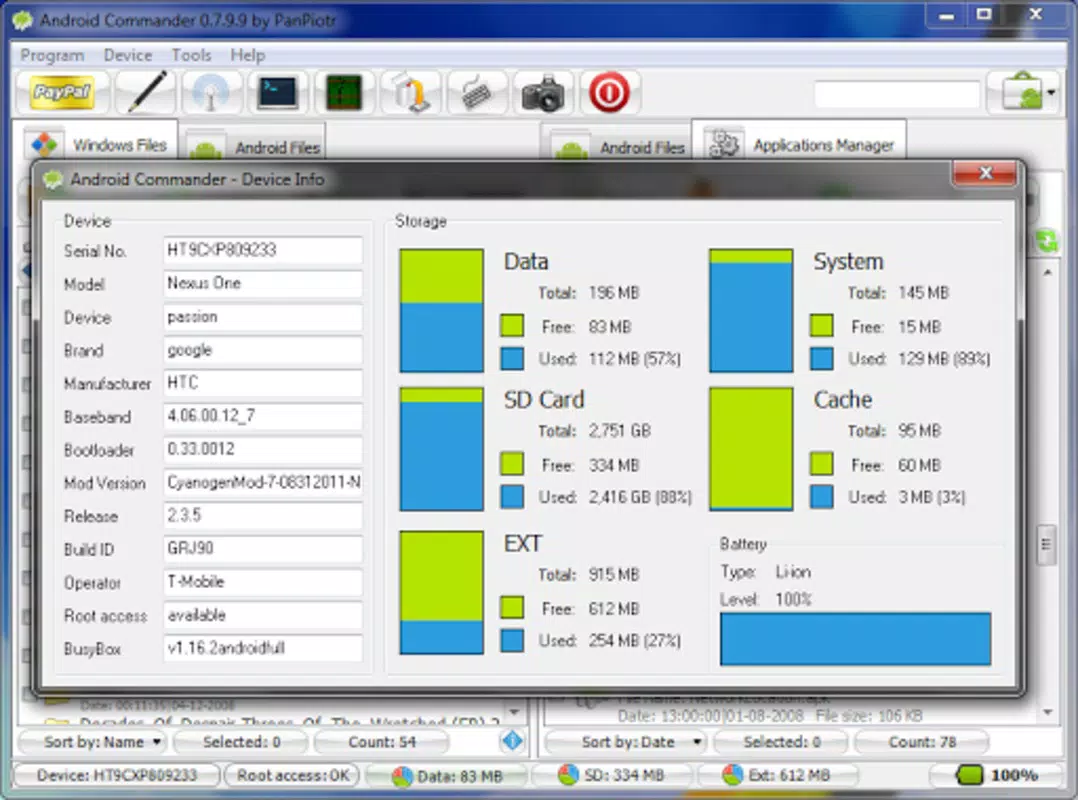
- Device Information Access: Android Commander provides real-time access to critical device metrics, including battery level, storage usage, CPU load, and system version. This allows users to monitor device health and performance from a remote location, supporting proactive maintenance and optimization.
- Screen Capture Functionality: The app enables users to take instant screenshots of the connected Android device’s screen with a single click. Captured images are saved directly to the desktop, making it ideal for creating tutorials, documentation, or sharing visual content.
- ADB Integration: The application relies on ADB drivers to establish communication with the Android device. While this requires an initial setup step, it ensures secure, low-latency data transfer and access to advanced device controls that are otherwise restricted on non-rooted devices.
For example, a developer might use the app to quickly test multiple APK builds on a rooted device, while a content creator could capture gameplay or UI workflows without needing to use the device’s physical buttons. The combination of desktop control and real-time feedback makes Android Commander a practical tool for productivity-focused users.
Interface, UX & Performance
Android Commander presents a minimalist yet functional interface, optimized for desktop workflows. The layout prioritizes accessibility, with toolbars, status indicators, and context menus arranged for efficient interaction. Visual cues such as icons and color-coded status indicators help users quickly identify device connection states and system conditions.
Navigating through the app’s features is intuitive, with logical grouping of functions and minimal onboarding steps. Users can switch between tasks—such as managing apps, viewing device stats, or capturing screens—without context loss or excessive menu layers. The responsiveness of the interface is consistent across different screen sizes, though specific performance metrics were not disclosed.
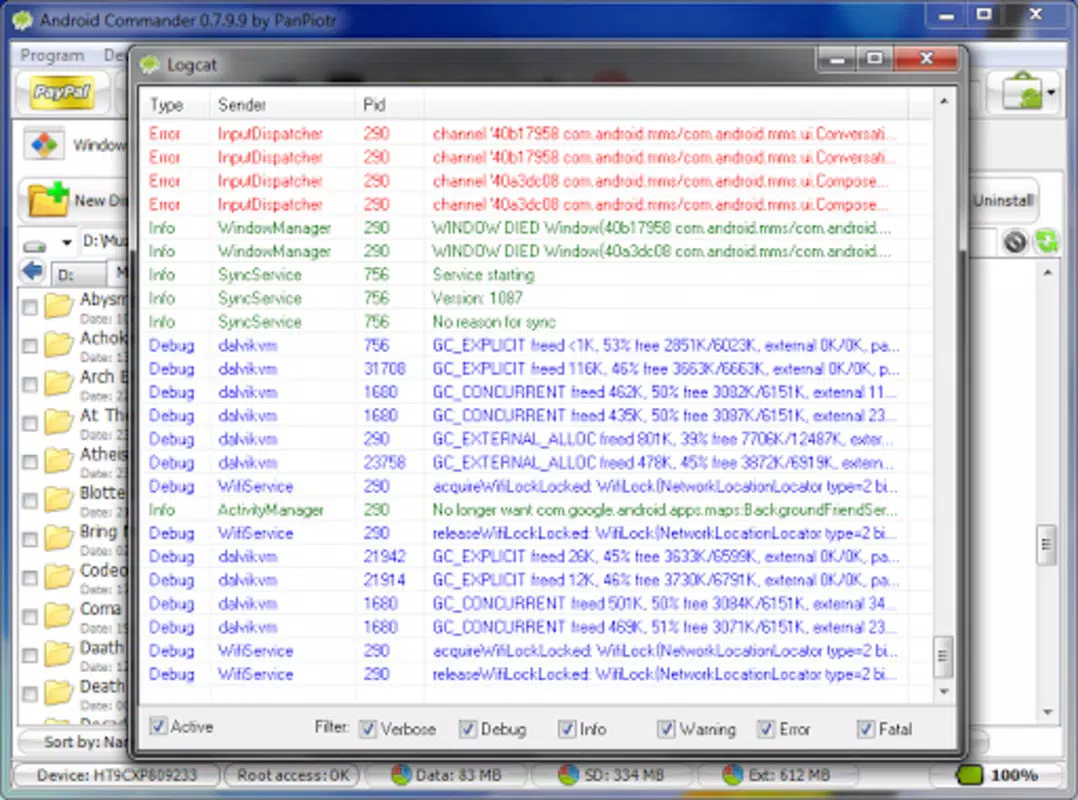
Although the developer did not list formal performance metrics, the app maintains stability during typical usage scenarios. It handles multiple operations in sequence, such as installing an APK and capturing a screenshot, without noticeable lag. The application remains responsive even when managing devices with high-resolution displays or complex UIs. However, users should ensure their system meets basic requirements for ADB operation, as performance may vary depending on hardware and driver compatibility.
Platform Compatibility & Technical Requirements
Android Commander is designed for Windows-based desktop systems. The application supports the latest versions of the Windows operating system, though specific OS requirements were not listed. The file size of the app is approximately 12.5 MB, making it lightweight and suitable for installation on most modern computers.
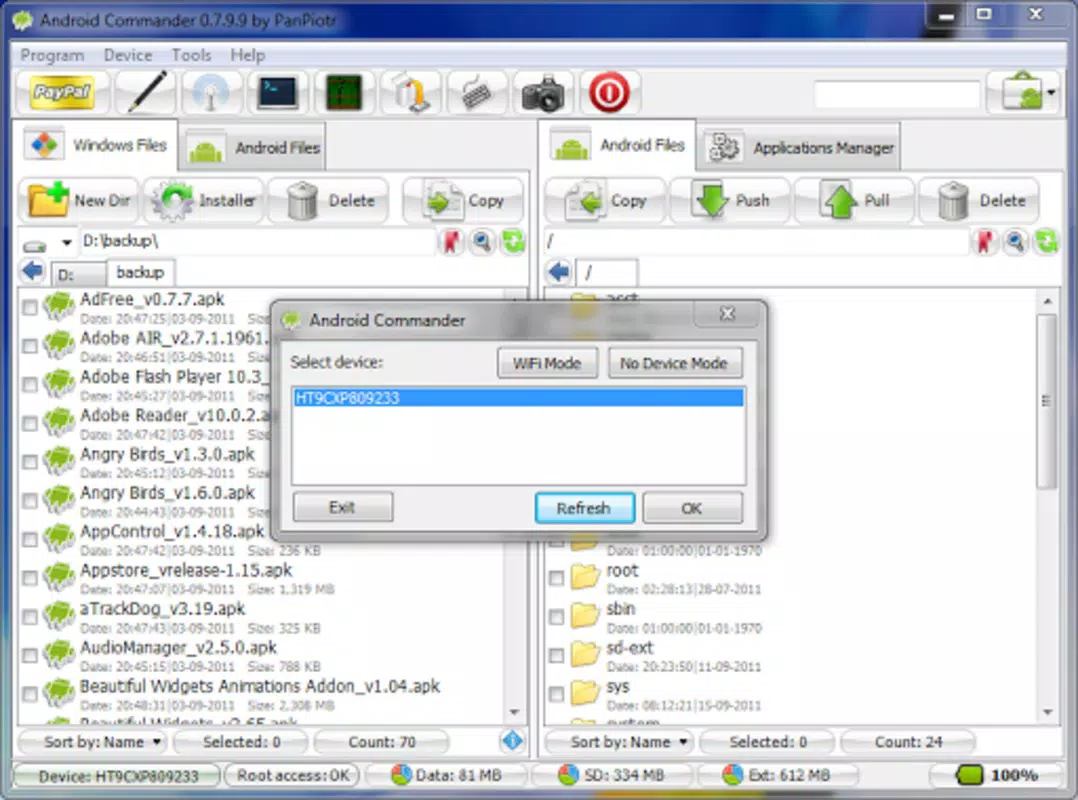
Compatibility with Android devices is limited to rooted systems, as the app relies on ADB access to perform its core functions. Users must ensure that USB debugging is enabled on their Android device and that the appropriate ADB drivers are installed on the desktop. The developer did not specify minimum OS requirements or hardware specifications, so users are advised to verify compatibility with their setup before installation.
Pros and Cons
Pros
- Intuitive desktop interface for managing rooted Android devices
- Efficient APK installation and uninstallation from the computer
- Real-time access to device system information and battery status
- One-click screen capture with automatic saving to the desktop
- Lightweight application size (12.5 MB)
Cons
- Requires ADB drivers for setup, adding initial complexity
- Only compatible with rooted Android devices
- Does not support non-rooted devices or iOS platforms
- Specific OS and hardware requirements were not disclosed
- Limited to Windows desktop environments
FAQ
Is Android Commander safe to download and use?
Yes, the application is considered safe when downloaded from official sources. It does not include malware or adware, but users should ensure they are using the latest version and installing it on a trusted computer.
Do I need a rooted device to use Android Commander?
Yes, the app requires a rooted Android device to access advanced features such as system-level file management and full ADB control. Non-rooted devices are not supported.
Can I use Android Commander on macOS or Linux?
Currently, the application is only available for Windows. There is no official support for macOS or Linux operating systems.
What are ADB drivers, and how do I install them?
ADB (Android Debug Bridge) drivers enable communication between a computer and an Android device. They are typically included with Android SDK tools or available from the manufacturer’s website. Users must install them manually before using Android Commander.
How do I update Android Commander?
Updates are typically released through the official website or developer portal. Users should check for new versions periodically to ensure compatibility and security improvements.
Final Thoughts
Android Commander remains a valuable tool for users who manage rooted Android devices from their desktops. Its streamlined interface, combined with powerful features like APK deployment and screen capture, makes it a practical choice for developers, testers, and tech-savvy users. While the requirement for ADB drivers and rooted devices limits its accessibility, the benefits for those within its target audience are significant.
For anyone seeking a secure, efficient way to manage Android systems from a computer, Android Commander delivers reliable functionality without unnecessary bloat. Its long-standing presence in the ecosystem speaks to its stability and continued relevance.
Download Android Commander now


